Products Categories
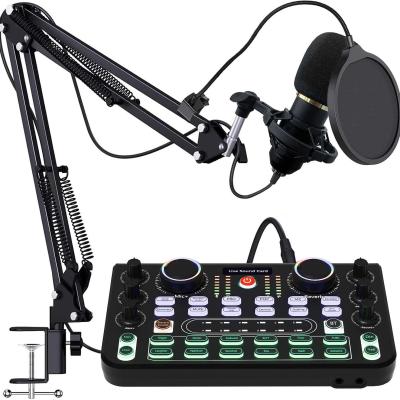
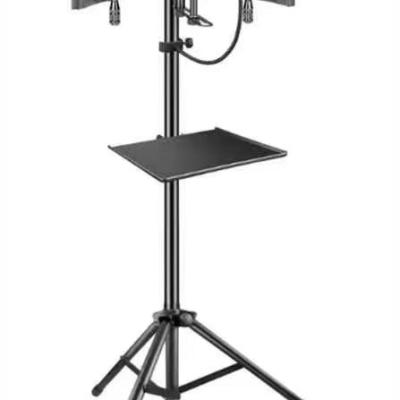
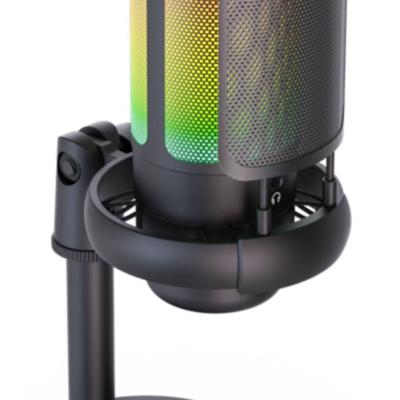
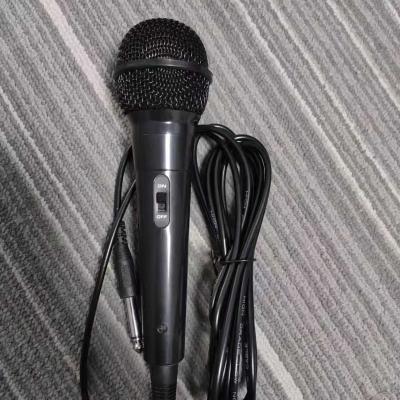
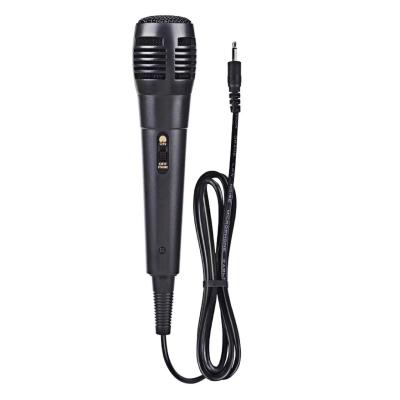
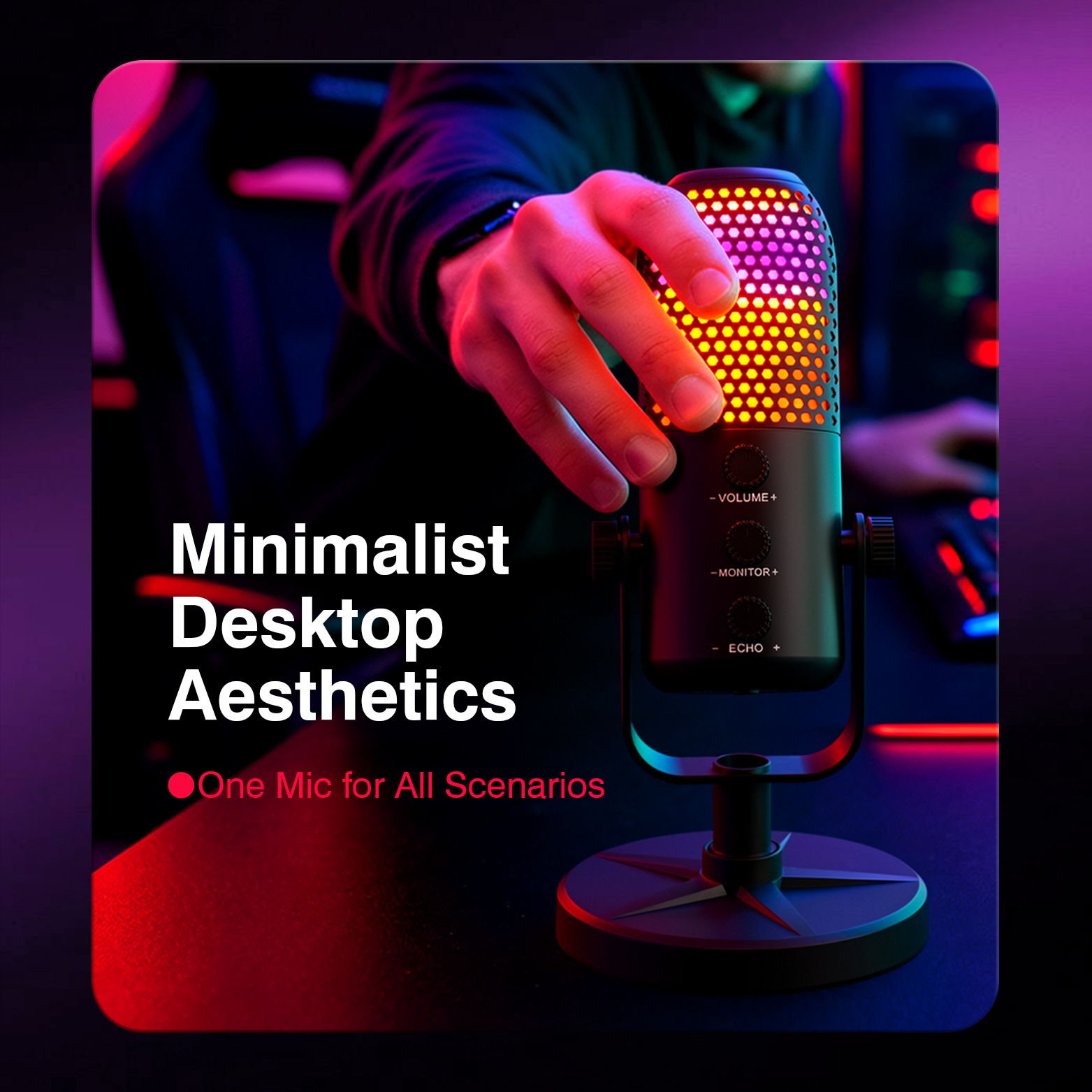
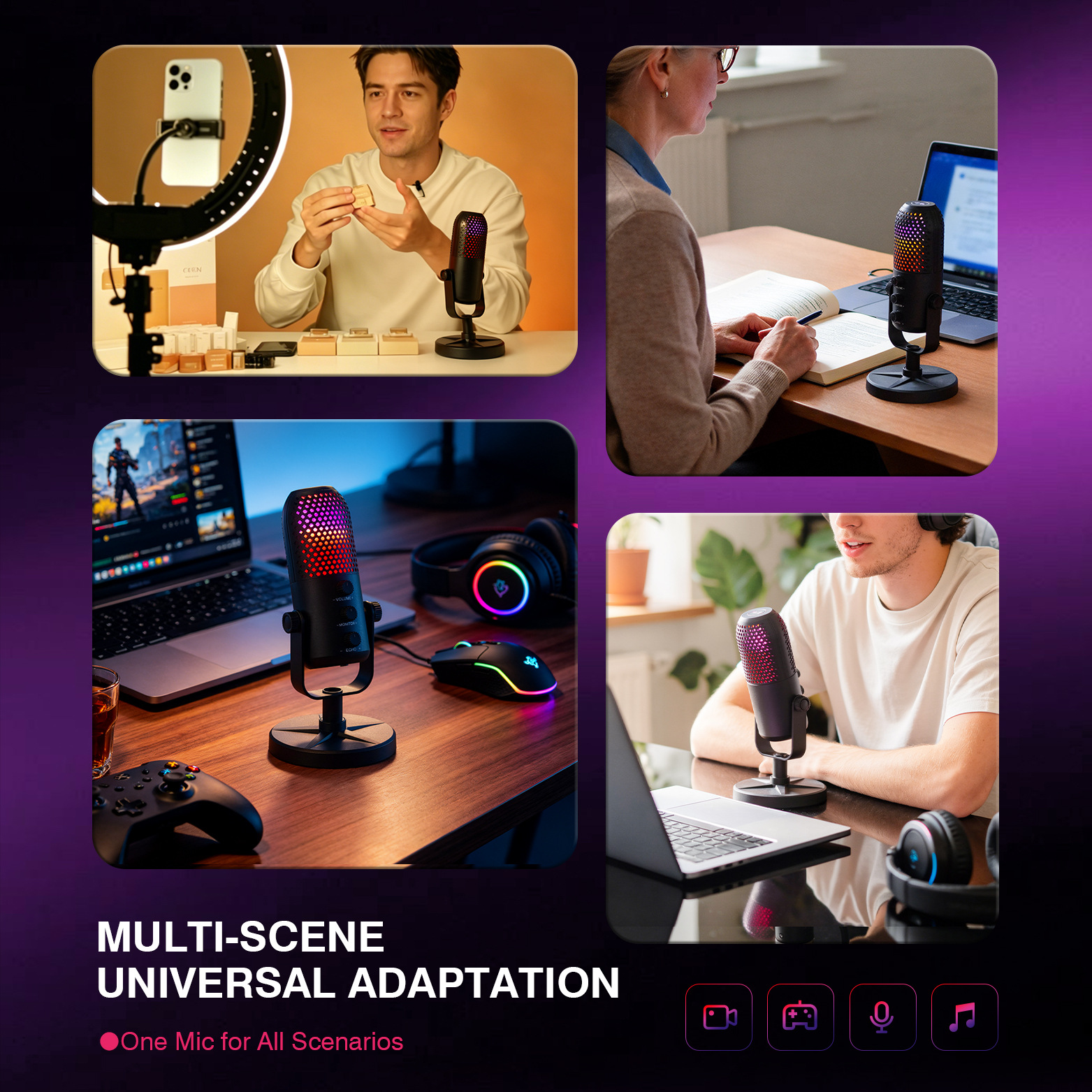
USB Microphone, Noise-reducing RGB E-sports Live Streaming Karaoke Gaming Microphone
Product Material:
:ABS Plastic
Package Size :
188*143*77mm
Outer Carton Size:
405*400*308mm
Single Package Weight:
0.48KG
Packing Specification:
20pcs
Whole Carton Weight:
10.6KG
USB Microphone, Noise-reducing RGB E-sports Live Streaming Karaoke Gaming Microphone details
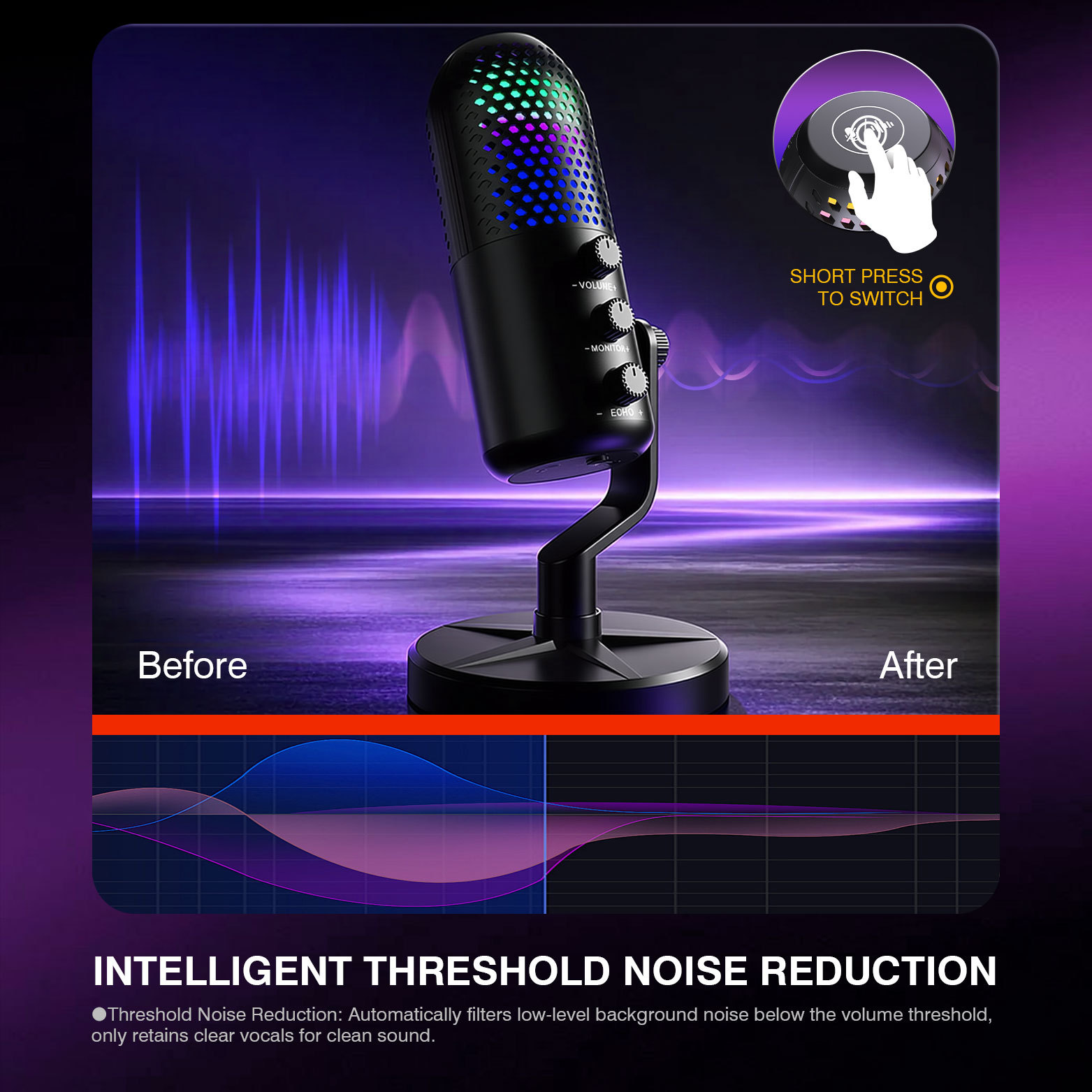
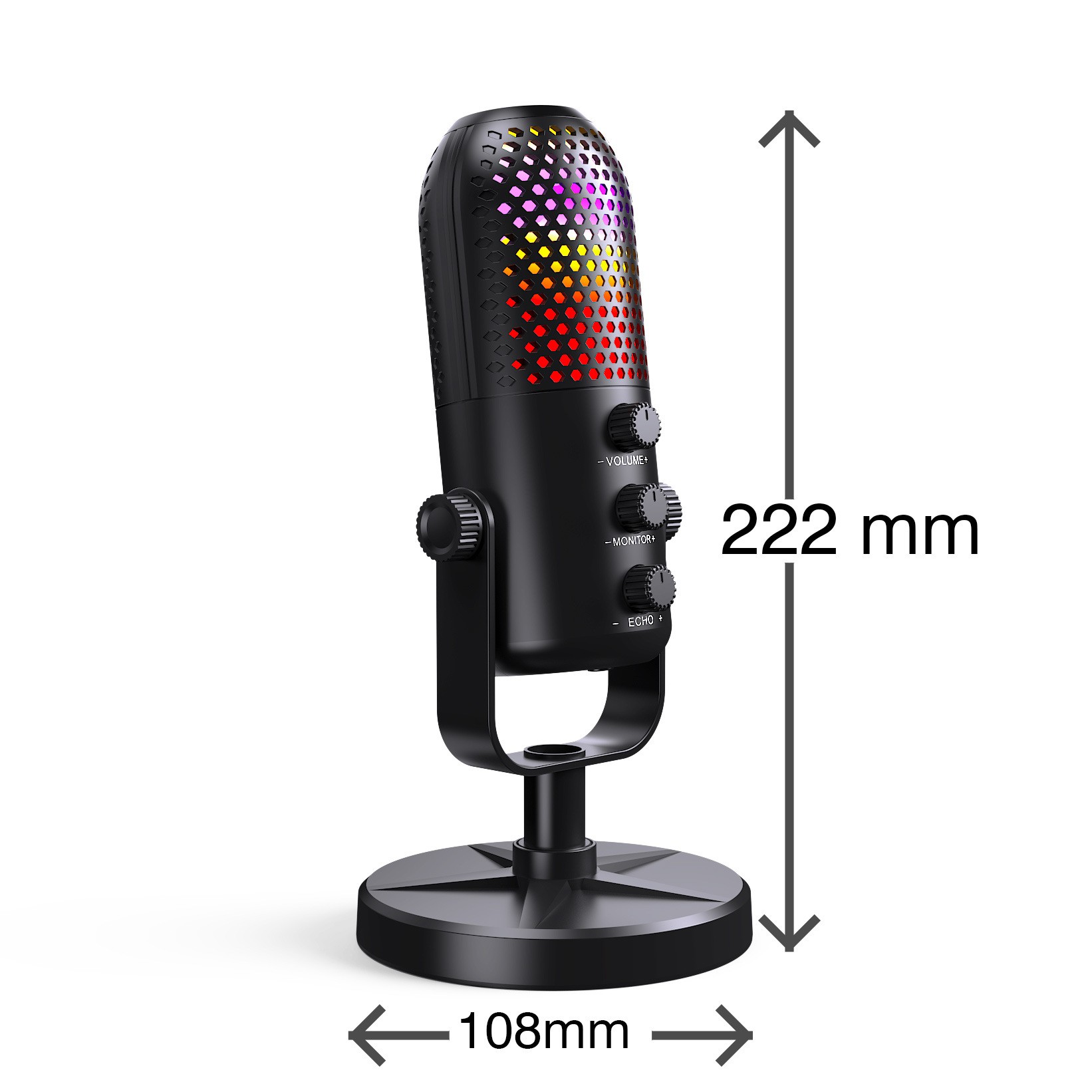
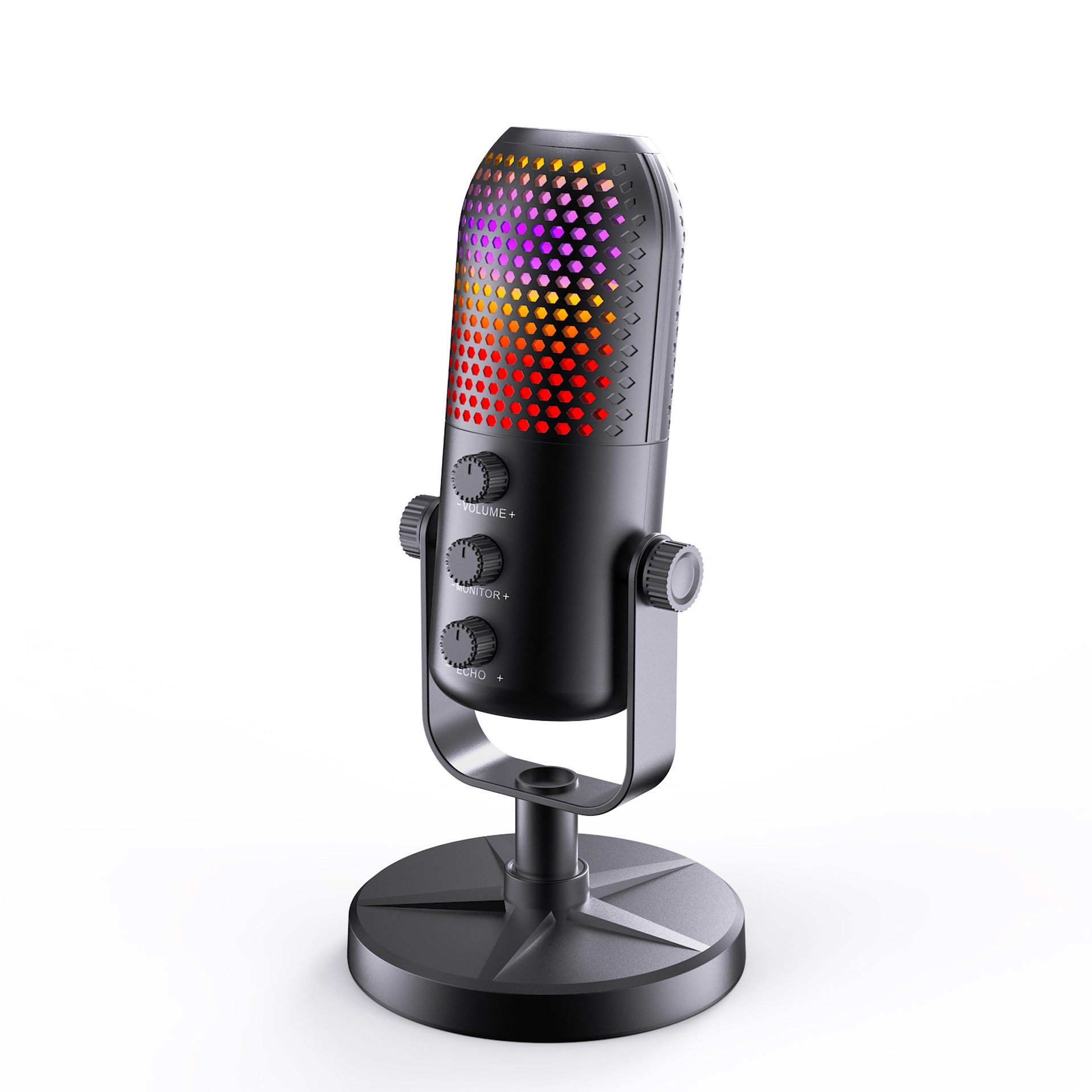
Top Touch Key: Tap to mute. Red indicator light turns on when muted. Rotate the volume knob to unmute; long press to turn noise reduction on/off.
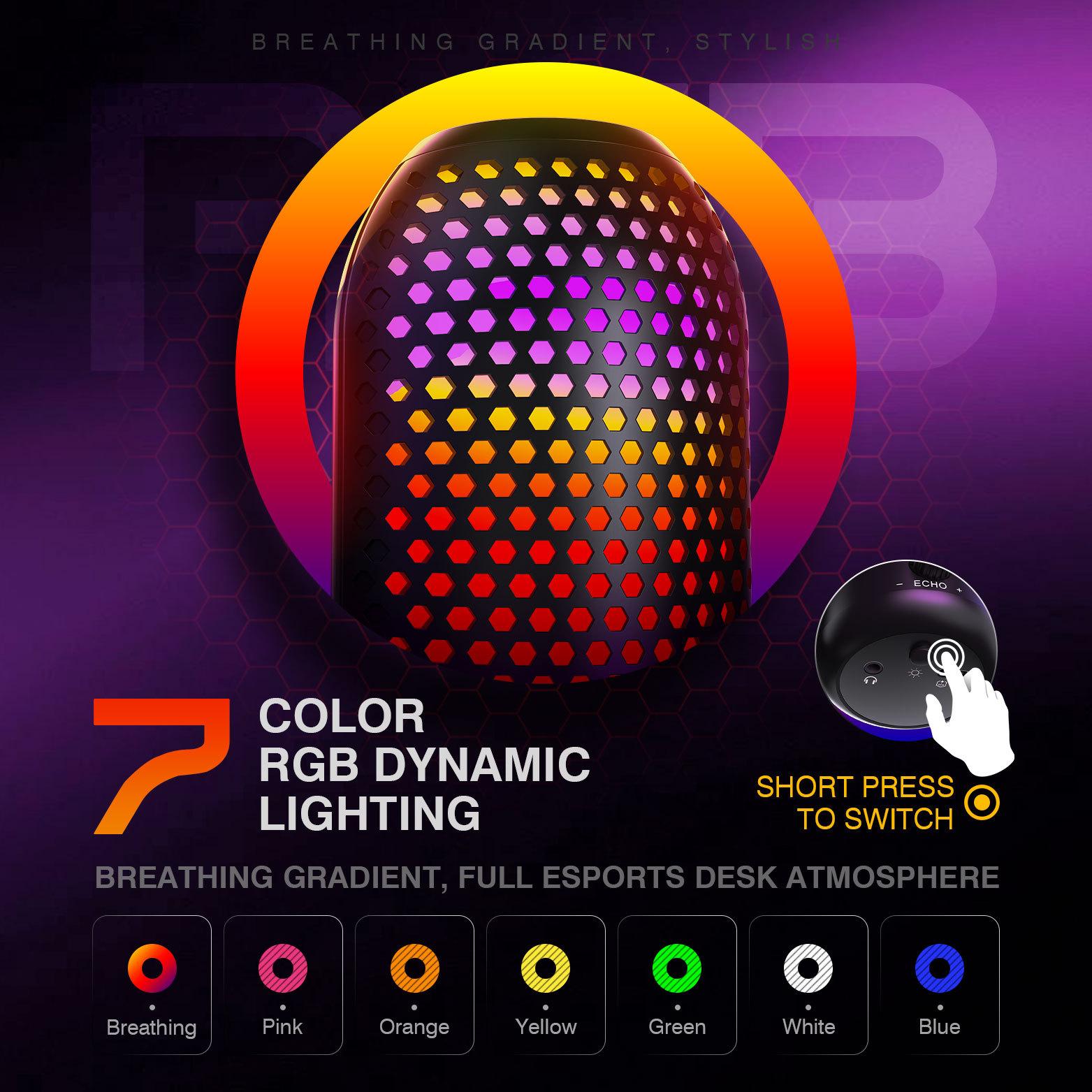
Bottom RGB Light Key (Short Press): Cycle through breathing light, pink, yellow, green, white, blue, and off.
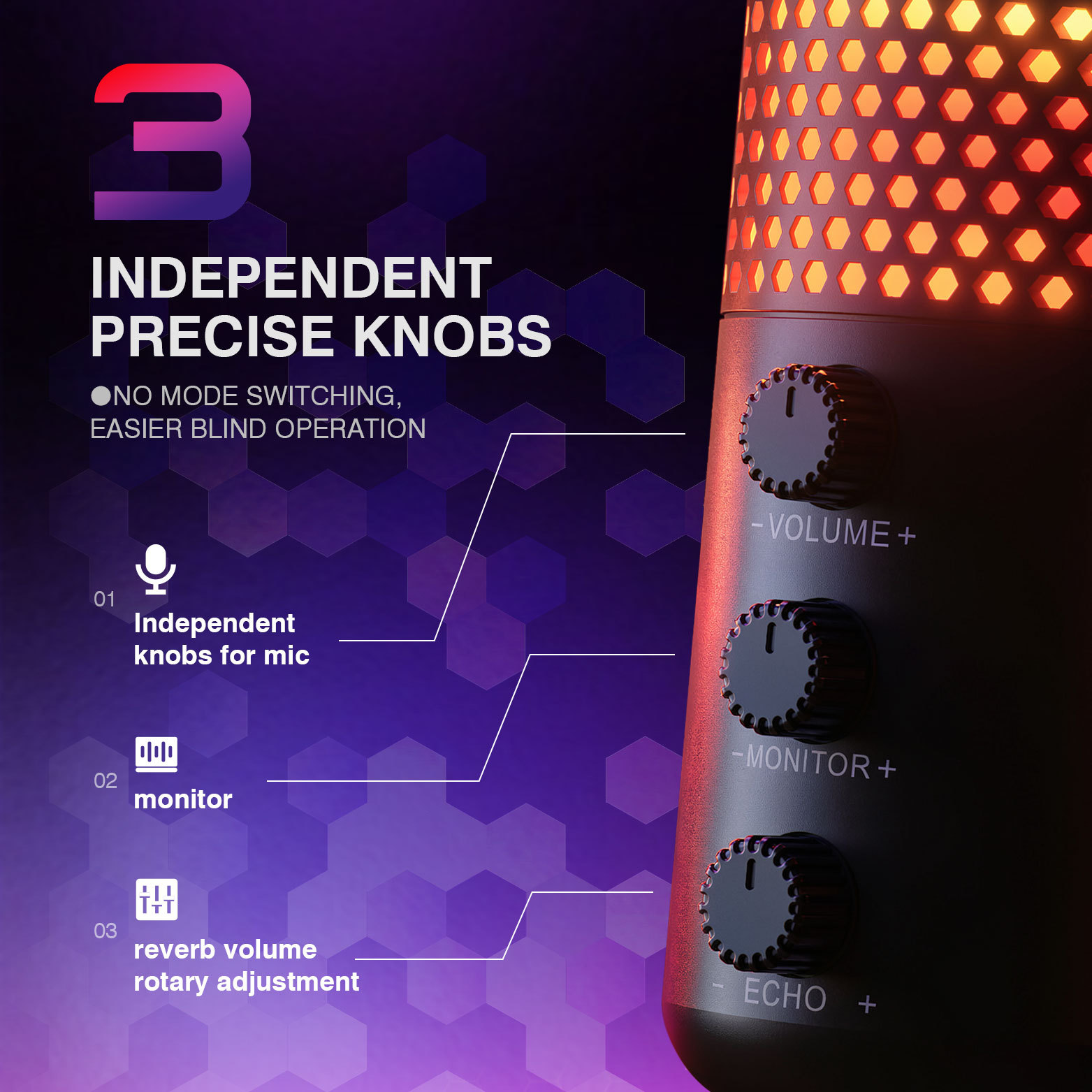
Knobs: Microphone Volume Knob, Monitor Volume Knob, Reverb Knob
- Brilliant RGB Ambient Light
- 3.5mm Headphone Monitoring Jack
- Type-C Output Port, transmits audio to smartphones, tablets, computers and other devices